

Let’s get prompting!
The Prompts page is where you track how your brand performs across AI search. Each prompt represents a real question your audience might ask an AI agent or search engine when researching your product, category, or competitors. Here, you can:- View all active prompts you are tracking
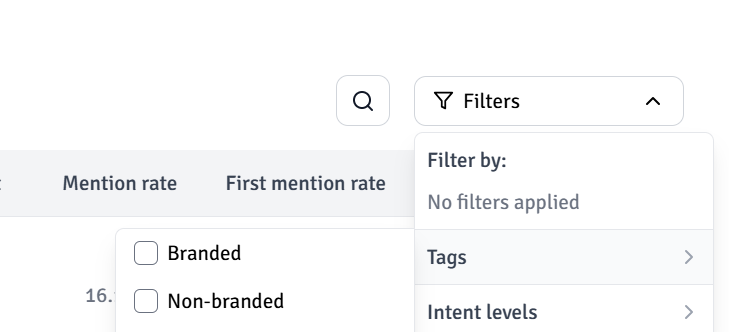
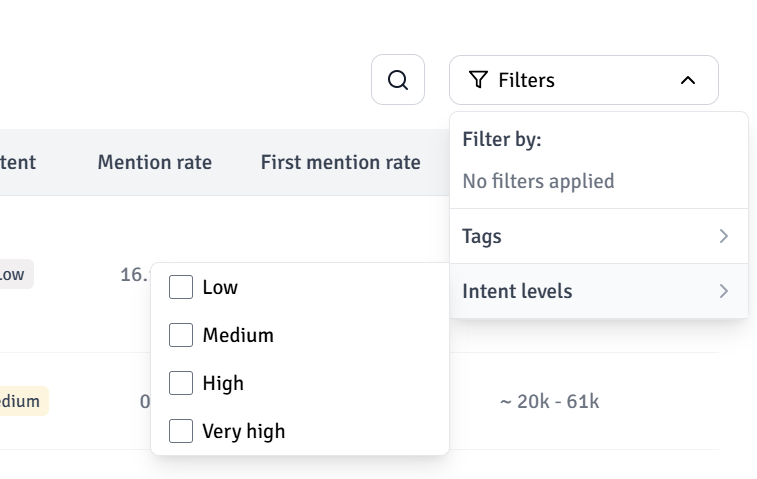
- Filter and search by tags, topics, and intent
- Monitor performance across AI models
- See where you appear, where you do not, and why
- Add new prompts or accept suggested prompts from Telepathic
- Create content based on gaps in your visibility
Adding new prompts
You can add new prompts at any time by clicking the “Add prompts” button. For example, lets say you want to rank for: “What are the best CRMs currently?” Once added, the prompt moves into the processing queue. After a short analysis period, Telepathic begins running it across AI platforms and displays the results in your Active Prompts list. Before adding prompts, it helps to understand what types of questions are worth tracking. A simple rule is that any question a potential customer might ask an AI model about your product, category, or competitors is a good prompt to add. For example, if you are a CRM built for sales teams, you might track prompts such as:- “Best sales CRM in 2025”
- “What CRM works best for outbound teams”
- “Which CRM should a 20 person sales team use”
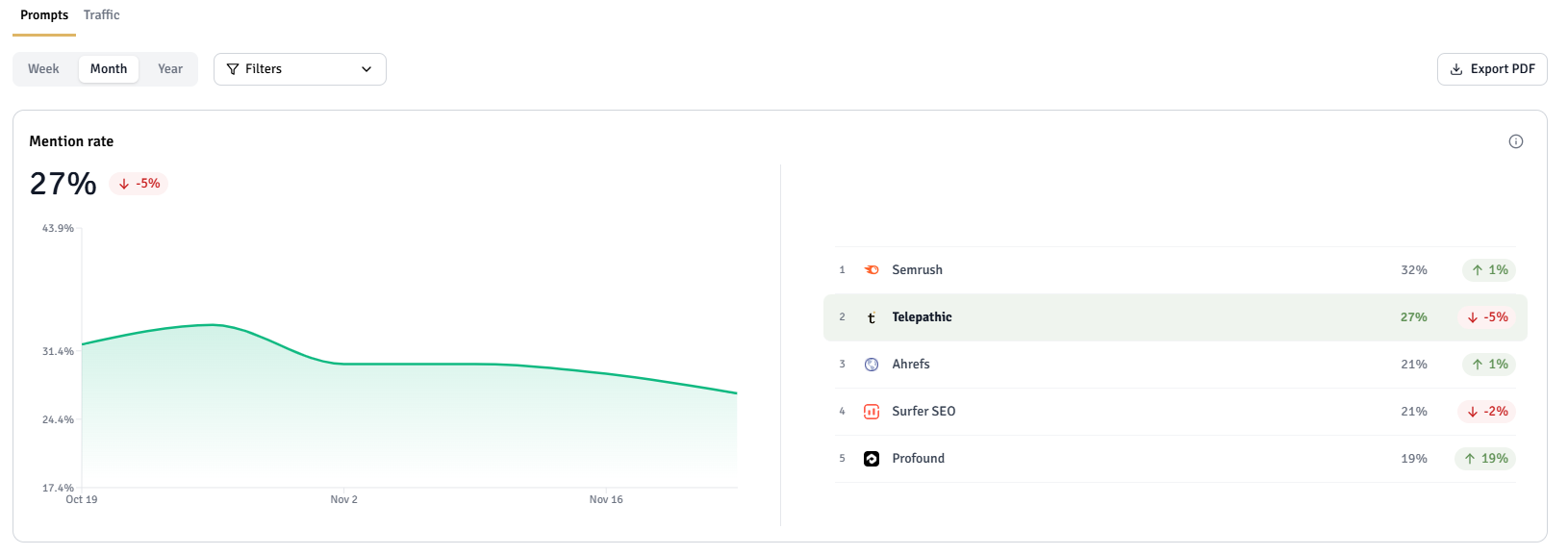
- Share of visibility: How often you appear compared to your competitors
- Mention rate over time: Whether your visibility is increasing or declining
- Competitor share: Which brands are being mentioned and where you are missing
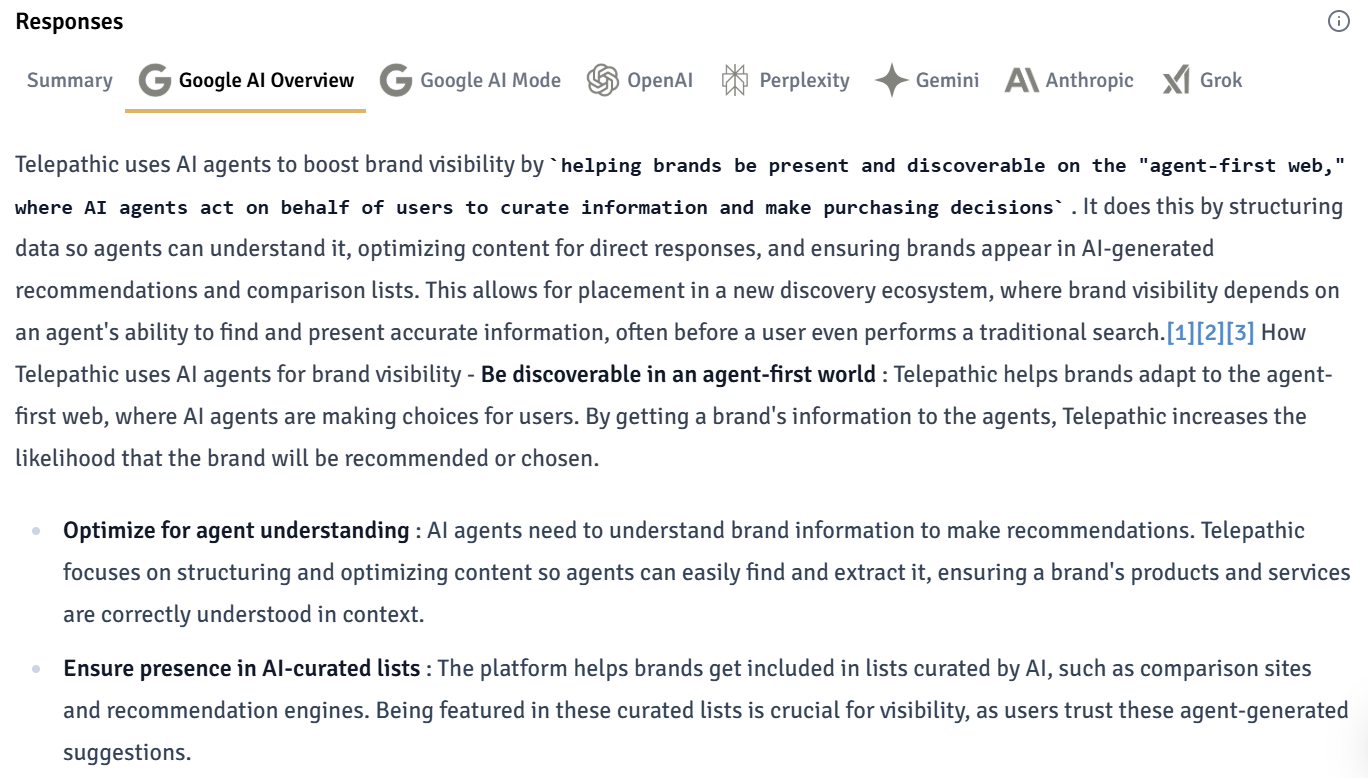
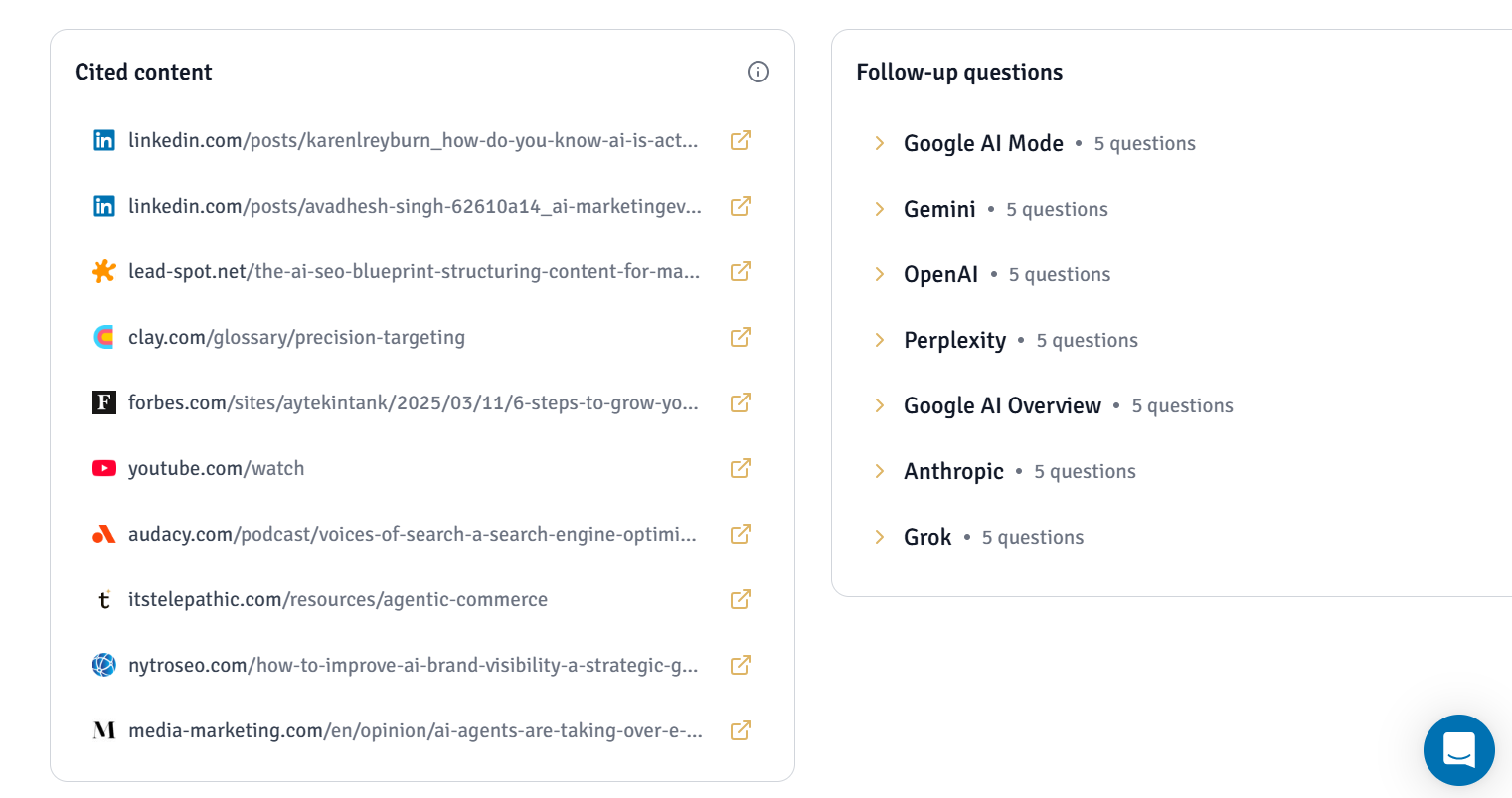
- Summaries and full responses: A breakdown of answers from each AI model
Prompt details
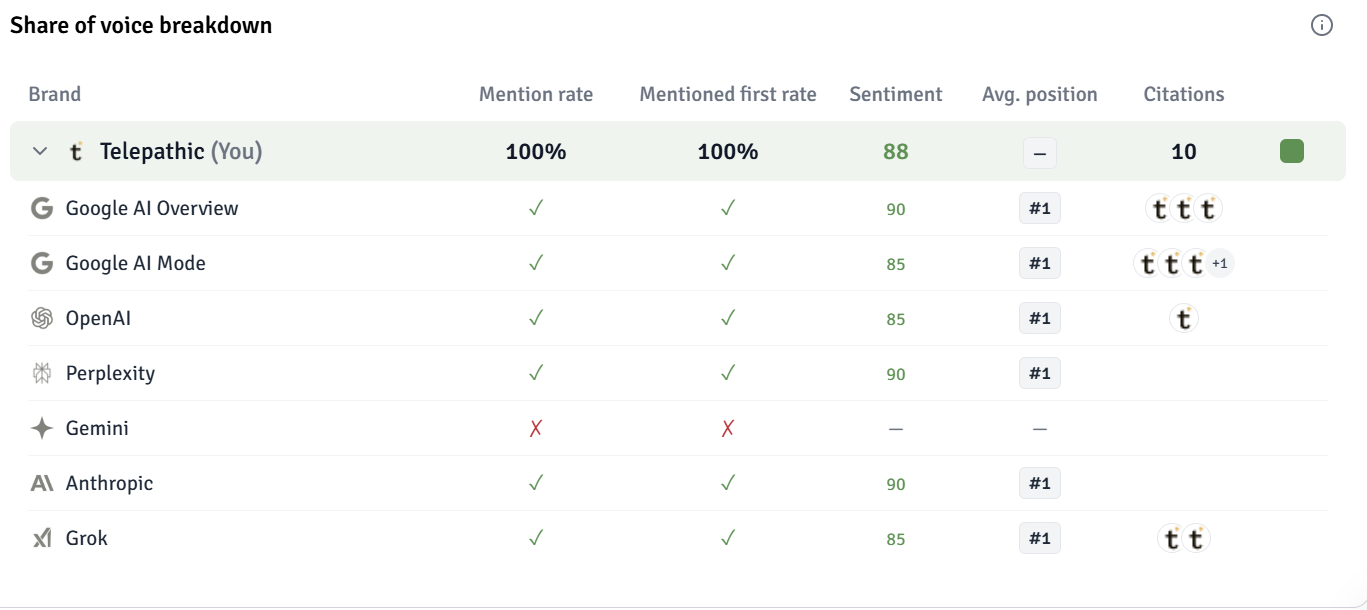
If you want to dive deep into a specific prompt to understand the mention rate, as well as the brands ranking for this query; you can just click the prompt. You’ll get a view like this:
Share of Voice tells you how your brand is mentioned across different AI platforms as compared to your competitors. Mention rate is a historical measure of how often your brand has been mentioned for this prompt over a specific time.
Discovering gaps
The Discover Gaps tab helps you find questions your audience searches for that you are currently missing. These are adjacent or directly relevant queries where you may want visibility. If you find a gap that matters, you can add it to your tracked prompts with one click.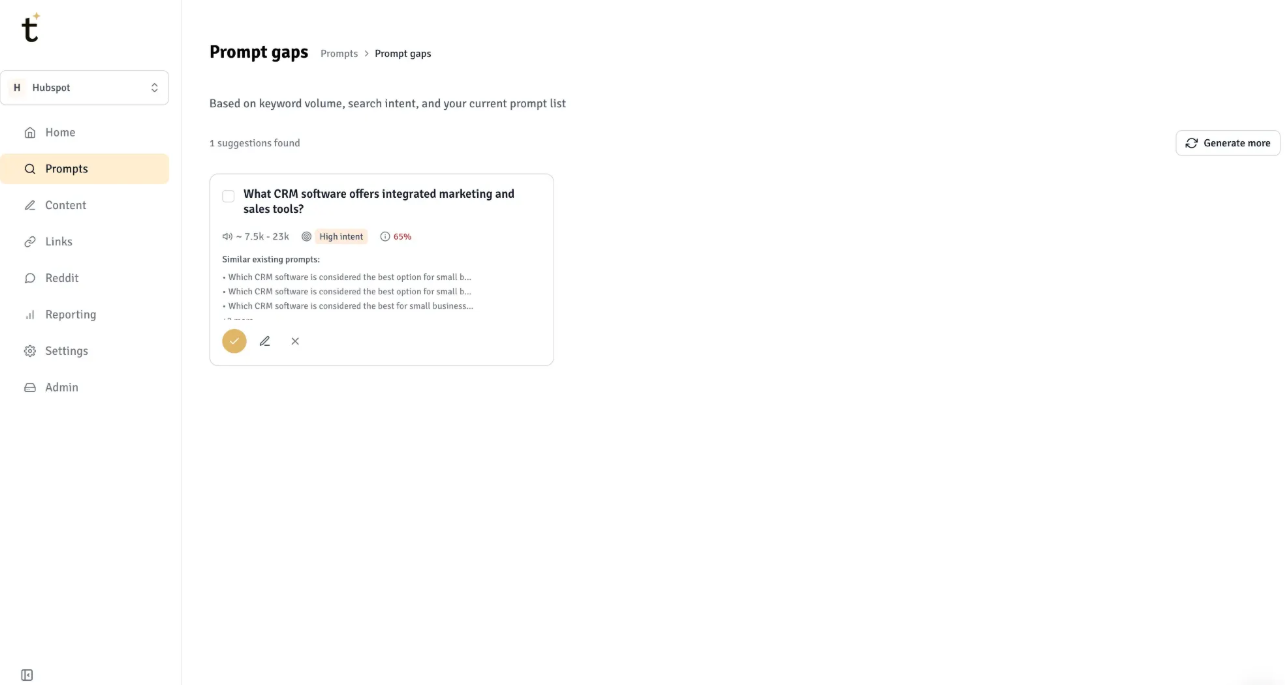
Best Practices
To track your performance effectively, we recommend creating a large prompt set:- 50+ if you’re early in SEO
- 200+ if you’ve some SEO experience
- 800+ if you’ve a mature SEO motion